

Last updated: May 4, 2026
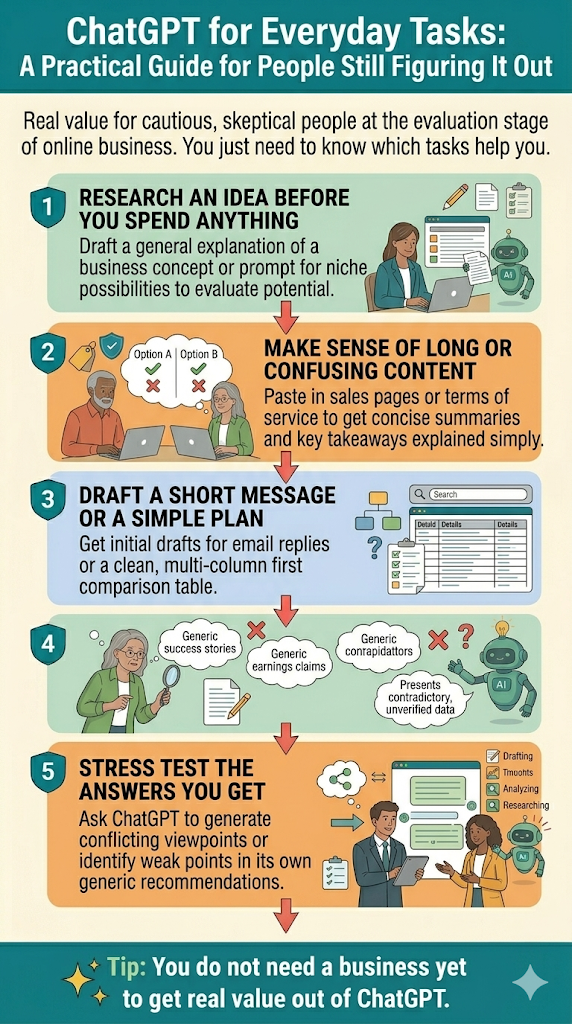
Most ChatGPT guides are written for people who already have a plan. They assume you already know your niche, have a website, and have subscribers. If you’re still at the stage of asking whether online business is even worth trying, those guides aren’t for you.
This one is. It’s about the actual everyday tasks that come up when you’re researching, comparing, and deciding before you spend money or commit time. You don’t need a newsletter, clients, or an existing site for any of it. It’s just the practical stuff a cautious person does before making a real move.
Most of this post is prompts, not theory. You get four quick rules first so your results stay honest, then copy-paste prompt templates organized by task. Each one has bracketed sections where you fill in your own details like your age, your budget, or the specific thing you’re trying to figure out. Pick what fits your situation, skip what doesn’t, and run the ones you picked today. Save the page and come back to it when a new question comes up.
Quick Navigation
Four quick rules before you start
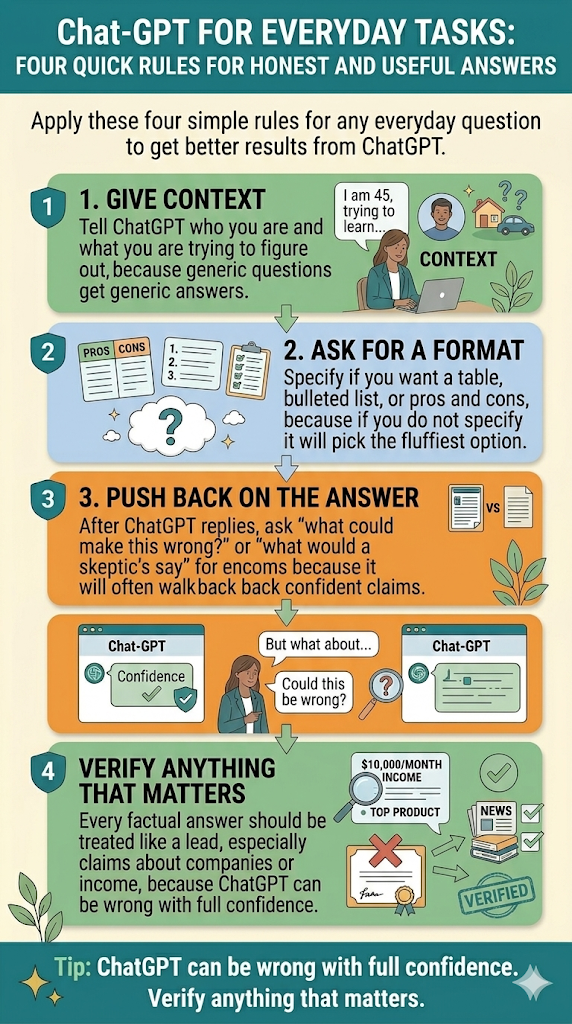
These keep your results honest and useful, regardless of what you’re asking.
- Give context. Tell ChatGPT who you are and what you’re trying to figure out. “Is affiliate marketing legit?” gets a generic answer. “I’m 55, cautious with money, and trying to figure out if affiliate marketing is worth learning in 2026 for someone with no website” gets a real one.
- Ask for a format. Specify whether you want a table, a bulleted list, a pros and cons comparison, or just a plain short answer. If you don’t specify, ChatGPT picks for you, and it usually picks the fluffiest option.
- Push back on the answer. After it replies, ask “what could make this wrong?” or “what would a skeptic say?” It will often walk back the more confident claims, which is exactly what you want to see.
- Verify anything that matters. Especially claims about specific companies, products, or income figures. ChatGPT can be wrong with full confidence. Treat every factual answer like a lead, not a conclusion.
Researching an idea before you spend anything
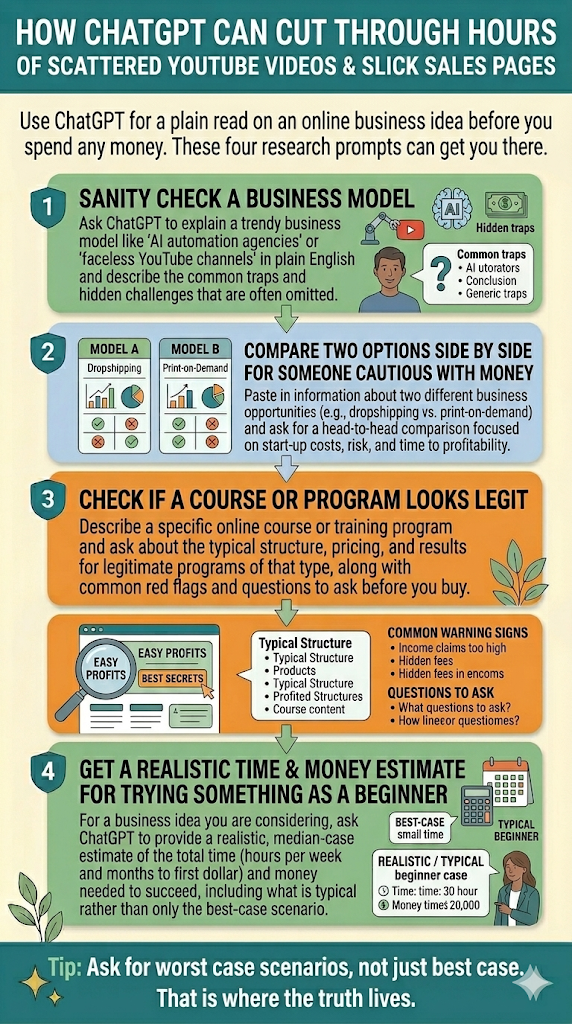
This is where ChatGPT earns its keep for someone in your position. It can cut through hours of scattered YouTube videos and slick sales pages and give you a plain read on what you’re actually looking at.
Sanity-check a business model:
“I keep seeing ads for [business model, like ‘AI automation agencies’ or ‘faceless YouTube channels’]. Explain in plain English what this actually is, who it really works for, and what the common traps are. Do not sell it to me. Tell me what a skeptical outsider would need to know.”
Compare two options:
“Compare [Option A] and [Option B] for someone who wants to [goal] but is cautious with money and has no technical background. Give me a plain pros and cons table. Include hidden costs and who each option is actually best for.”
Check if a course or program looks legit:
“I’m looking at a program called [name]. What is the typical structure of programs like this, what are the common warning signs, and what questions should I ask before I hand over any money?”
Get a realistic time and money estimate:
“If I wanted to try [activity, like ‘starting an affiliate blog’ or ‘selling on Etsy’] as a complete beginner, how much time and money would it realistically take in the first six months to know if it’s working? Be honest. Do not only give me the best-case scenario. Include what’s typical.”
Making sense of long or confusing content
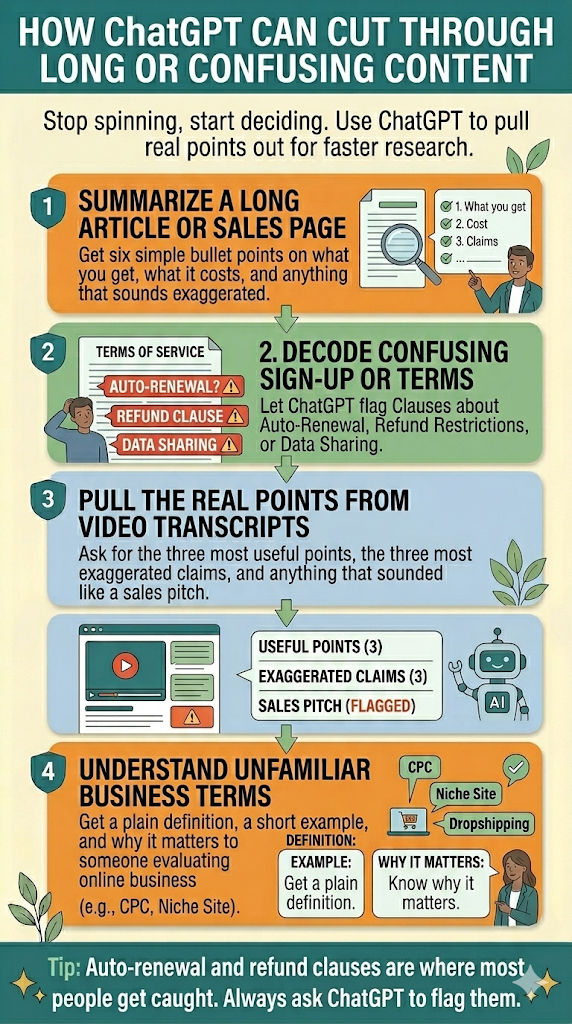
Sales pages, terms of service, forum threads, hour-long YouTube videos. ChatGPT is genuinely good at pulling the real points out of a wall of text or a rambling transcript, so you spend less time spinning and more time deciding.
Summarize a long article or sales page:
“Summarize this in six bullet points. Focus on what the reader actually gets, what it costs, and anything that sounds exaggerated or unclear. Here is the text: [paste]”
Decode a confusing sign-up page or terms of service:
“Explain this in plain English like I’m not a lawyer. Flag any clauses about auto-renewal, refund restrictions, data sharing, or anything else that could affect me later. Here is the text: [paste]”
Pull the real points from a long video or podcast:
“Here is a transcript of a video about [topic]. Give me the three most useful points, the three most exaggerated claims, and anything that sounded like a sales pitch rather than honest advice. Here is the transcript: [paste]”
Understand an unfamiliar term:
“Explain what [term, like ‘CPC’ or ‘niche site’ or ‘dropshipping’] actually means in plain English. Give me a short example and tell me why someone evaluating online business would need to care about it.”
Drafting a short message or a simple plan
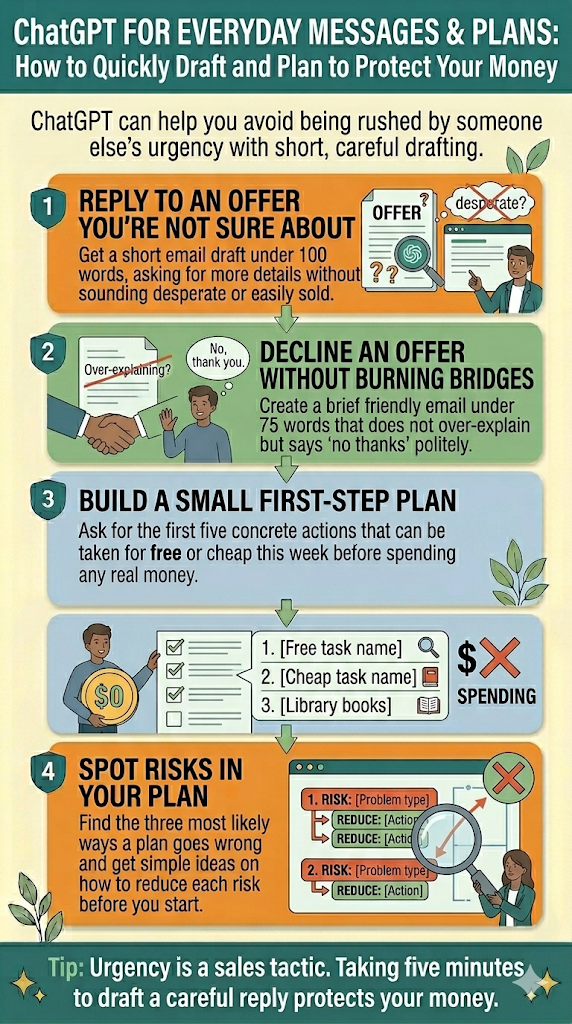
Sometimes you need to send a reply, decline an offer, or write yourself a small plan so you don’t get swept up in someone else’s urgency. ChatGPT is fast at this, and the prompts are simple.
Reply to an offer you’re not sure about:
“Write a short polite reply asking for more information before I commit. I want to know [list what you want to know]. Keep it under 100 words. Do not sound desperate or easily sold.”
Decline without burning a bridge:
“Write a short email declining [offer or invitation]. Keep it friendly and brief. Do not over-explain. Under 75 words.”
Build a small first-step plan:
“I’m thinking about trying [activity]. Give me the first five concrete steps I can take for free or cheap, before spending any real money. Each step should be one sentence and something I can actually do this week.”
Spot risks in a plan:
“Here is what I’m considering doing: [describe]. What are the three most likely ways this goes wrong, and how would I reduce each risk before I start?”
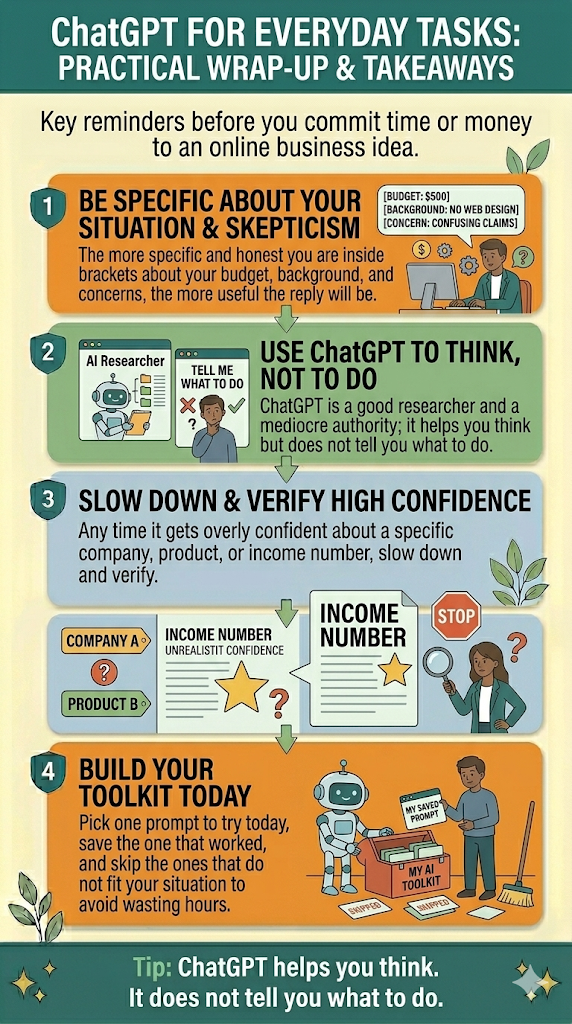
These prompts are starting points, not magic formulas. The quality of your answers will mostly depend on how specific you get inside the brackets. The more honestly you describe your situation (your budget, your background, your skepticism), the more useful the reply will be.
One more thing worth remembering. ChatGPT is a good researcher and a mediocre authority. It helps you think, but it does not tell you what to do. Any time it gets overly confident about a specific company, product, or income number, that’s your cue to slow down and verify.
Pick one prompt from this page and try it today. Save the one that worked. Skip the ones that don’t fit your situation. That’s how you build a practical toolkit without wasting hours on theory you won’t use.
Related guides
- Prompting Basics for ChatGPT. The simple 3-part formula that makes every prompt on this page work better.
- What ChatGPT Actually Knows vs. What It Is Guessing. Why the “verify anything that matters” rule is the one you can’t skip.
- How to Know If Something Is a Scam. A practical checklist that pairs with the “check if a program looks legit” prompt above.
- Why AI Is Worse at Thinking Than It Looks. A good reminder that ChatGPT helps you think, but it does not think for you.